

Introduction
Building AI agents used to require deep technical knowledge, custom infrastructure, and weeks of development time. Today, platforms like Airia are changing that completely.
In this complete walkthrough, you’ll learn how to build, deploy, and manage an AI agent in minutes using Airia, an enterprise-grade AI agent platform designed for speed, security, and scalability. Whether you’re a business owner, AI developer, or just exploring automation, this guide will show you exactly how Airia works and how you can put AI agents to work right away.
We’ll walk step-by-step through:
- Airia’s interface and core features
- Creating your first AI agent
- Connecting data and tools
- Adding human approval (human-in-the-loop)
- Automating actions with Slack
- Testing a real-world invoice approval use case
Want to build powerful AI agents without complex coding? Join Airia today and start creating enterprise-grade AI workflows in minutes. Airia is completely free to get started and perfect for businesses, developers, and automation teams.
What Is Airia?
Airia is an enterprise-grade AI agent platform that allows you to build, deploy, and manage AI agents without complex coding. It’s designed to help teams and businesses move fast while maintaining control, security, and visibility. Learn how to build, deploy, and manage AI agents in minutes with Airia. Step-by-step walkthrough for beginners and businesses to automate workflows easily.
With Airia, you can:
- Create AI agents visually
- Connect them to real tools like Slack, GitHub, Google Workspace, and more
- Use leading AI models (such as OpenAI)
- Add human approvals and guardrails
- Track usage, costs, and performance
- Deploy AI agents at scale
Best of all, Airia is free to get started, making it accessible even if you’re just experimenting with AI. If you’re looking for a secure and scalable AI agent platform, Airia is a smart choice. From AI models to tool integrations and cost tracking, everything is built for speed and control.
Getting Started with the Airia Dashboard
Once you open Airia, you’ll notice that the interface is clean, organized, and intuitive. Everything you need is accessible from the left-hand navigation panel.
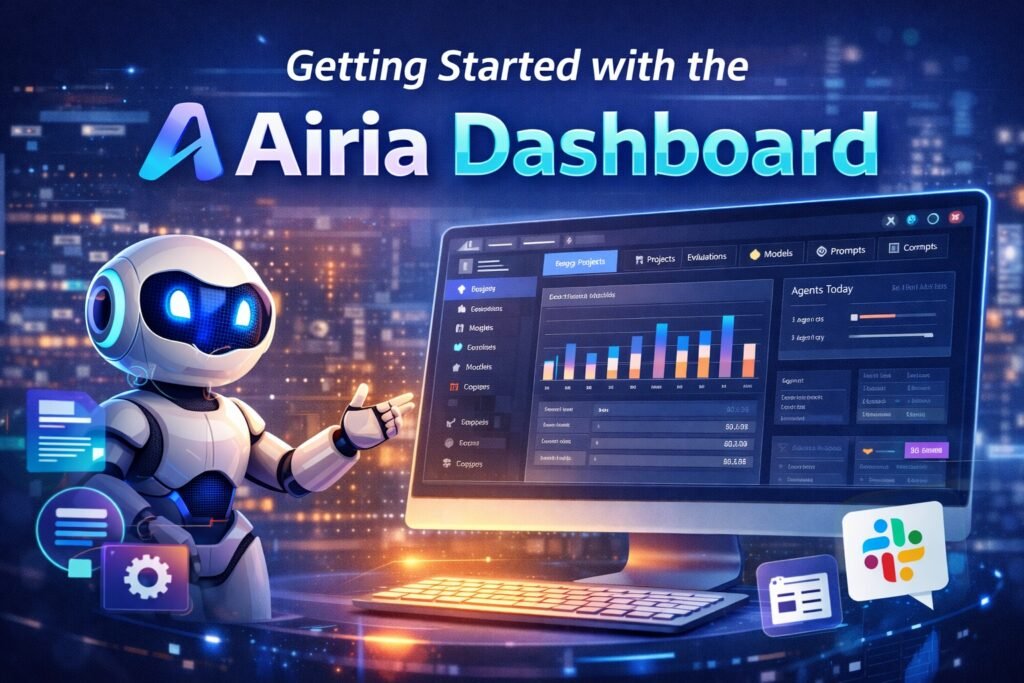
Key sections include:
1. Insights
The Insights dashboard gives you a high-level overview of:
- Active agents and workflows
- AI model usage
- Cost and budget analysis
- Provider breakdown (such as OpenAI)
This is especially useful for teams managing multiple agents and keeping costs under control.
2. Projects
Projects are where most of the real work happens. Each project can contain multiple AI agents and workflows.
Think of a project as a container for:
- A specific business use case
- One department’s automation
- A single AI workflow (like invoice processing)
3. Evaluations
The Evaluations section allows you to track how well your agents are performing.
You can:
- Select a project and specific agent
- Choose datasets
- Define evaluation models
- Measure output quality
This feature is particularly powerful for enterprise teams deploying AI at scale.
4. Models
Airia supports multiple AI models. Inside the Models tab, you can:
- Add new AI models
- Enter API keys
- View cost per API call
For simplicity, this walkthrough uses OpenAI models, but Airia supports many options depending on your needs.
5. Prompts
The Prompts section lets you:
- Save reusable prompts
- Use community-shared prompts
- Standardize prompts across teams
This helps maintain consistency and saves time when building multiple agents.
6. MCP Servers (Tool Integrations)
MCP (Model Context Protocol) servers allow your AI agents to interact with external tools.
Some available integrations include:
- Slack
- GitHub
- Google Workspace
- Airtable
In this walkthrough, Slack is used to send automated approval notifications.
7. Knowledge & Data Sources
Airia supports enterprise data sources like:
- AWS S3
- Apple CloudKit
- Other structured data systems
Even if you’re new to these platforms, Airia abstracts much of the complexity.
If you’re working with advanced automations and CRM workflows, you may also find value in connecting external systems. In our step-by-step guide on Connect GoHighLevel MCP Server to n8n, we explain how to link GoHighLevel with n8n to build scalable, event-driven automations and integrate AI agents into real business processes.
Building Your First AI Agent in Airia
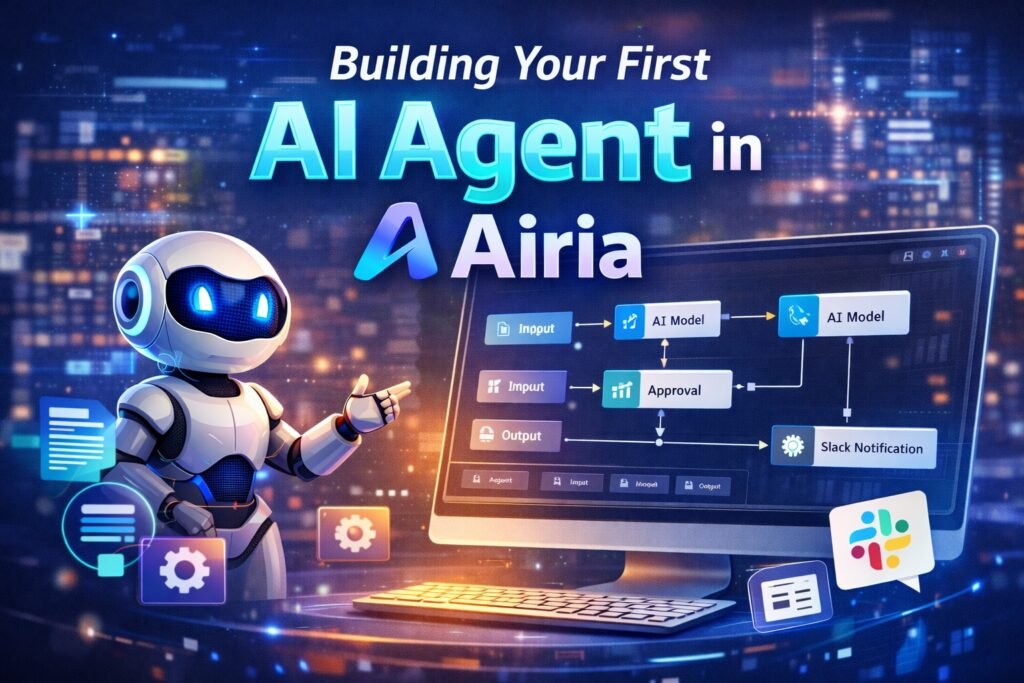
Now, let’s build a real AI agent step by step.
Step 1: Create a New Agent
Inside your project, click Add New Agent. Airia automatically sets up:
- An input node
- An AI model node
- An output node
This visual, node-based approach makes the workflow easy to understand—even for non-developers.
Step 2: Define the Use Case
In this example, the AI agent will:
- Receive a PDF invoice
- Summarize the invoice using AI
- Request human approval
- Send a Slack message based on approval or denial
This is a practical, real-world automation used by finance and operations teams.
Step 3: Configuring the Summarization Agent
After the input node, drag in an AI model node and connect it. The best part? You can build your first AI agent in just a few clicks. Create your free Airia account and experience how easy it is to design AI workflows with real-world automation.
AI Model Setup
- Model: GPT-4.1
- Purpose: Invoice summarization
Prompt Example:
You are an expert summarizer. Your task is to analyze the given data and create a clear, thorough summary of the invoice.
This simple prompt ensures consistent, structured summaries every time.
Adding Guardrails for Safety (Optional)
Airia includes built-in Guardrails to ensure responsible AI usage.
Guardrails can:
- Detect harmful or restricted content
- Monitor AI outputs
- Enforce compliance rules
While not required for this example, they’re critical for enterprise deployments.
Adding Human Approval (Human-in-the-Loop)
One of Airia’s most powerful features is human approval workflows.
Step 1: Add Human Approval Node
From Flow Control, drag the Human Approval node into your workflow.
Step 2: Configure Approvers
- Select the approver (yourself or team members)
- Customize the approval message
- Enable email notifications (optional)
The approval step displays the AI-generated invoice summary, allowing a human to approve or deny the request.
Step 3: Creating Approval & Denial Branches
Once approval is added, the workflow splits into two branches:
Approved Path
- Sends a Slack DM confirming approval
- Includes invoice number, company name, and total amount
Denied Path
- Sends a Slack DM indicating denial
- Includes relevant invoice details
Each branch uses its own AI agent with a clear, focused prompt.
Step 4: Connecting Slack with MCP
To send messages automatically, the Slack MCP server is connected.
This gives the AI agent access to:
- Slack DMs
- Channels
- Messaging endpoints
Once connected, the agent can send real-time notifications without manual intervention.
Step 5: Testing the AI Agent with a Real Invoice
Testing is simple and fast.
Test Flow:
- Upload a sample PDF invoice
- Enter a short instruction (e.g., “New invoice for approval”)
- Run the workflow
Airia makes enterprise automation simple with human approvals and real-time notifications. Try Airia today at Airia.com and connect your AI agents with tools like Slack, GitHub, and Google Workspace.
What Happens Next:
- The AI summarizes the invoice
- A human approval request is sent via email
- The approver reviews and clicks approve or deny
- Slack notification is sent instantly
In this example, approving the invoice triggers a Slack DM confirming:
- Invoice number
- Company name
- Total amount
Everything happens automatically within minutes. If you’re exploring different ways to build AI agents, it’s also worth looking at automation-focused platforms. In our detailed guide on Make an AI Agent in Make.com in 2025, we break down how you can create AI-powered workflows using Make.com, compare automation logic, and understand which platform fits your use case better.
Why Airia Is Ideal for Businesses and Enterprises
Airia stands out because it combines ease of use with enterprise-grade power.
Key Benefits:
- No-code / low-code workflow builder
- Secure, scalable infrastructure
- Human-in-the-loop approvals
- Tool integrations via MCP
- Cost tracking and insights
- Rapid deployment
You can start with simple automations and scale to complex enterprise workflows without changing platforms.
Final Thoughts
Building AI agents no longer requires months of development or specialized infrastructure. With Airia, you can go from idea to working AI agent in minutes.
This walkthrough demonstrated just one use case—invoice approval—but the possibilities are endless:
- Customer support automation
- Internal knowledge assistants
- Sales and CRM workflows
- Content review and moderation
- DevOps and IT automation
If security, scalability, and flexibility matter to you, Airia is a platform worth exploring.
Start simple, experiment freely, and gradually build powerful AI-driven workflows that save time and unlock new capabilities for your business. Ready to automate your business with AI? Airia lets you build, deploy, and manage AI agents in minutes—without heavy development work. Start free today and scale when you’re ready. 👉 Start building with Airia.com
Frequently Asked Questions
What is Airia, and how does it help in building AI agents?
Airia is an enterprise-grade AI agent platform that allows users to build, deploy, and manage AI agents without complex coding. It provides visual workflows, AI model integration, tool connections, and human approval features, making AI automation fast and secure.
Can beginners build AI agents using Airia?
Yes, Airia is beginner-friendly. Its no-code and low-code interface allows non-technical users to create AI agents using drag-and-drop workflows while still offering advanced features for experienced developers.
Is Airia free to use?
Airia offers a free plan to get started. Users can create AI agents, test workflows, and explore core features without paying upfront. Advanced enterprise features and higher usage may require a paid plan.
Which AI models does Airia support?
Airia supports multiple AI models, including OpenAI models like GPT-4.1. Users can add their own API keys and track costs per request directly from the dashboard.
What kind of automations can I build with Airia?
With Airia, you can build AI agents for invoice processing, customer support, content summarization, approval workflows, Slack notifications, CRM automation, and many other business use cases.


