

AI video generation has evolved rapidly, and Kling AI is currently one of the most impressive platforms available. If you’re looking for a free, high-quality AI video generator that delivers cinematic visuals, realistic motion, and advanced creative controls, Kling AI stands out from the competition.
Looking to create high-quality AI videos without complex editing? Join Kling AI and start generating cinematic videos from simple text prompts using one of the best free AI video generators available today.
In this complete beginner-friendly guide, you’ll learn how to use Kling AI from scratch, including text-to-video, image-to-video, camera controls, styles, AI images, and even the new virtual try-on feature. By the end of this blog, you’ll know exactly how to create professional-quality AI videos—even with a free account. how to use Kling AI to create high-quality AI videos for free. Step-by-step guide covering text-to-video, image-to-video, styles, and features.
What Is Kling AI?
Kling AI is a powerful AI-based platform that generates realistic videos and images using simple text prompts or reference images. It supports:
- Cinematic AI videos
- Advanced camera movements
- Multiple visual styles
- Lens simulations
- Image-to-video animation
- AI image generation
- Virtual try-on for fashion and apparel
What makes Kling AI special is its visual realism, smooth motion, and professional-grade output, even compared to many paid AI video tools.
Want to turn your ideas into professional AI videos in minutes? Sign up for Kling AI and explore powerful text-to-video features with realistic visuals and smooth camera motion.
Why Kling AI Is One of the Best AI Video Generators
Here’s why creators are calling Kling AI one of the best AI video generators on the market:
- High-quality, realistic video output
- Supports cinematic, anime, classic, and grunge styles
- Camera movement control (zoom, pan, tilt, roll)
- Lens style selection (wide-angle, macro, anamorphic, fisheye)
- Free plan available with trial access to professional features
- Image-to-video animation with motion brushing
- AI images that can be animated into videos
Whether you’re a content creator, YouTuber, marketer, or business owner, Kling AI gives you serious creative power without requiring video editing skills.
Once you’ve mastered AI video creation with Kling AI, the next step is making your videos even more realistic with voice and mouth synchronization. If you want to learn how to perfectly match speech with facial movements, check out our detailed guide on How to Use AI Lip Sync in Kling AI, where we explain step-by-step techniques to create natural-looking, professional lip-synced AI videos.
How to Sign Up for Kling AI (Free Account)
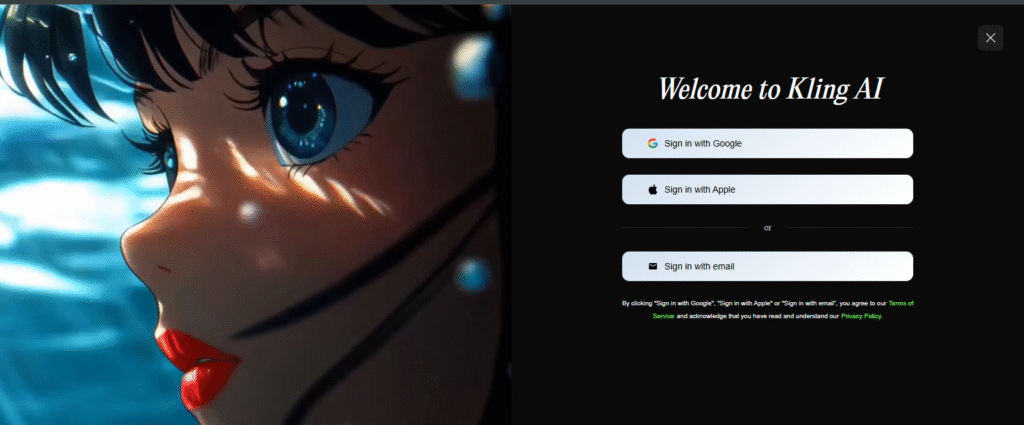
Getting started with Kling AI is simple:
- Visit klingai.com
- Click Sign In (top-right corner)
- Choose Sign Up for Free
- Enter your email address and password
- Confirm your details and create your account
Once logged in, you’ll have access to both AI video and AI image generation features.
Kling AI Dashboard Overview
Kling AI is divided into two main sections:
1. AI Video Generation
- Text-to-video
- Image-to-video
2. AI Image Generation
- Text-to-image
- Image reference generation
- AI virtual try-on
Let’s walk through each feature step by step.
How to Create AI Videos with Kling AI (Text to Video)
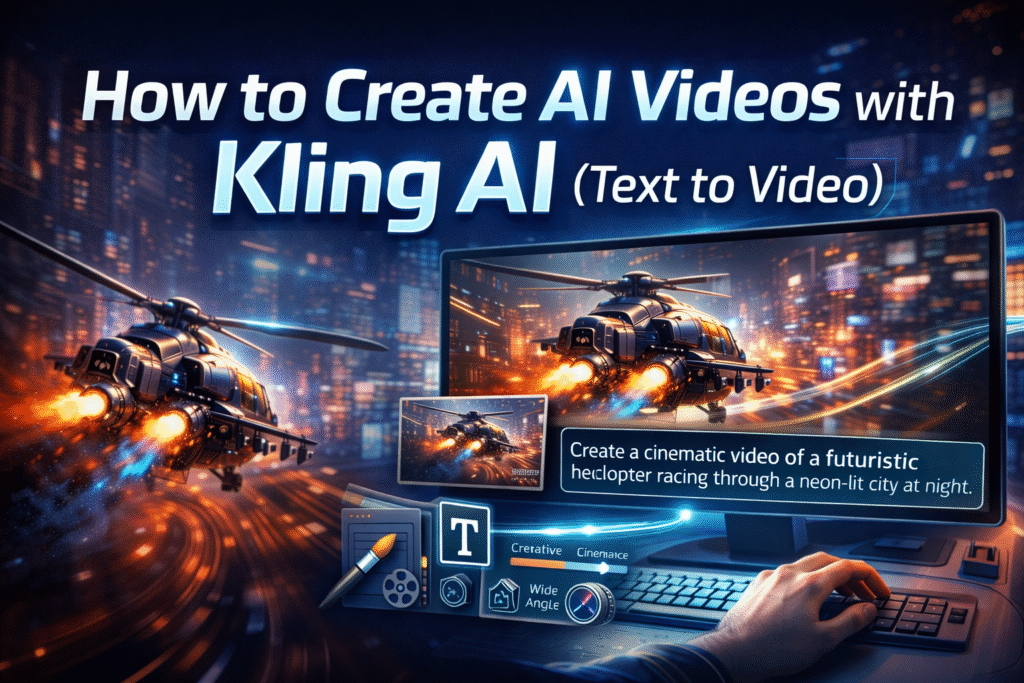
Text-to-video is one of Kling AI’s most powerful features.
Step 1: Choose “Text to Video”
From the dashboard, select AI Video → Text to Video.
Step 2: Write a Detailed Prompt
Example prompt used in the blog:
Create a high-resolution cinematic video showing a futuristic helicopter racing through a neon-lit city at night. The scene is color-graded with deep blues and fiery oranges, emphasizing speed and intensity. The camera follows from a low-angle rear perspective with fast motion blur and vibrant exhaust fumes trailing behind.
The more descriptive your prompt, the better the results. If you’re serious about AI video creation for YouTube or social media, join Kling AI and start producing high-quality videos even with a free account.
Choosing Styles in Kling AI
Kling AI allows you to control the visual style of your video.
Supported Video Styles:
- Cinematic
- Anime
- Classic
- Grunge
For example, choosing Grunge style gives a rough, edgy, cinematic look—perfect for action scenes.
Lens Styles for Advanced Control
You can optionally select a lens style to refine the visual feel:
- Wide-angle
- Macro
- Fisheye
- Anamorphic
These lens effects simulate the look of real-world cameras, elevating realism. You don’t need to use them, but they’re great for advanced users.
Creativity vs Relevance Slider
Kling AI includes a creativity control slider:
- Creative mode → AI adds artistic freedom
- Relevance mode → AI sticks closely to your prompt
For cinematic storytelling, a balanced or creative setting often works best.
Video Duration and Aspect Ratio
With Kling AI, you can choose:
- 5–10 seconds video length (longer durations require Pro access)
- Aspect ratios:
- 16:9 (YouTube, widescreen)
- 9:16 (TikTok, Reels, Shorts)
- 1:1 (Instagram posts)
- 16:9 (YouTube, widescreen)
This makes Kling AI ideal for social media content creation.
Camera Movement Controls
Advanced users can define camera actions such as:
- Zoom
- Pan
- Tilt
- Roll
While optional, these controls add cinematic depth and realism to AI videos.
Image to Video: Animate Any Image
Kling AI also supports image-to-video animation.
How It Works:
- Upload a starting image
- (Optional) Upload an ending image
- Enter animation prompts
- Generate the video
This allows Kling AI to animate between two images or bring a static image to life.
Motion Brush: Control Object Movement
One standout feature is the Motion Brush.
Example use case:
- Animate a bird flying from right to left
- Control direction, speed, and movement path
Simply paint over the object and define its motion. This level of control is rare in free AI video tools.
Video Quality Results (Real Examples)
The generated videos show:
- Smooth camera motion
- Realistic lighting and environments
- Consistent visual styles
- High-quality textures
Minor imperfections may appear (like slight shape shifts), but overall quality is exceptional for AI-generated video.
If your goal is to create faceless YouTube content quickly and efficiently, Kling AI makes the process incredibly simple. To learn how to produce high-quality faceless videos in just minutes, don’t miss our complete guide on Master Kling AI for Faceless YouTube Videos in 10 Minutes, where we break down the fastest workflow for turning AI-generated visuals into engaging YouTube content.
Extend AI Videos with One Click
Kling AI allows you to extend generated scenes, making them longer without starting from scratch. This is perfect for storytelling and YouTube content.
AI Image Generation in Kling AI
Kling AI also includes powerful AI image tools.
Text to Image
Generate stunning visuals from text prompts alone.
You can:
- Choose aspect ratios
- Apply styles
- Use image references
The generated images look highly realistic and artistic.
Bring AI Images to Life
One of the best features is “Bring to Life”.
With one click:
- Your AI image is loaded into image-to-video mode
- You add motion prompts
- Kling AI converts the image into a short video clip
This is perfect for short-form content, ads, and faceless videos.
Virtual Try-On: Kling AI’s New Feature
Kling AI recently introduced AI Virtual Try-On, allowing users to:
- Upload their own photo
- Upload or select clothing items
- Instantly see realistic outfit previews
The results look natural and convincing, making this feature ideal for fashion brands, eCommerce stores, and influencers.
Is Kling AI Free?
Yes, Kling AI offers a free account, which includes:
- Access to AI video and image tools
- Limited professional-mode trials
- Short video generation
For advanced usage, longer videos, and higher limits, a paid plan is available—but the free version is more than enough to get started. Creating faceless content just got easier. Sign up for Kling AI and transform text prompts into stunning AI-generated videos with cinematic quality.
Best Use Cases for Kling AI
Kling AI is perfect for:
- Faceless YouTube videos
- TikTok & Instagram Reels
- Marketing ads
- Short cinematic clips
- Product animations
- AI storytelling
- Fashion previews
- Social media content monetization
Final Thoughts: Is Kling AI Worth Using?
Absolutely.
Kling AI is one of the best free AI video generators available today. Its combination of visual quality, creative controls, and ease of use makes it a powerful tool for beginners and professionals alike.
If you want to create high-quality AI videos without complex editing, Kling AI is definitely worth trying.
Disclaimer
This article features affiliate links, which indicate that if you click on any of the links and make a purchase, we may receive a small commission. There’s no additional cost to you, and it helps support our blog so we can continue delivering valuable content. We endorse only products or services we believe will benefit our audience.
Frequently Asked Questions
What is Kling AI?
Kling AI is a free, high-quality AI video and image generation platform that allows users to create realistic videos using text prompts or images. It supports cinematic styles, camera movement controls, lens effects, and image-to-video animation.
Is Kling AI really free to use?
Yes, Kling AI offers a free plan that includes access to AI video generation, image-to-video animation, and AI image creation. The free account also provides limited trial access to professional features, while paid plans unlock longer video durations and higher usage limits
How does Kling AI generate videos?
Kling AI uses advanced artificial intelligence models to convert text descriptions or images into animated videos. Users simply enter a prompt, select styles and settings, and Kling AI generates realistic motion, lighting, and camera effects automatically.
What is the difference between Text-to-Video and Image-to-Video in Kling AI?
Text-to-Video creates videos purely from written prompts, while Image-to-Video animates a provided image. Image-to-Video also allows more control using motion brushes to move specific objects within the scene.
Does Kling AI support different video styles?
Yes, Kling AI supports multiple styles, including cinematic, anime, classic, and grunge. These styles help control the overall visual tone and artistic look of the generated videos.


