Manually reviewing contracts is slow, expensive, and error-prone. Whether you’re a business owner, legal professional, or agency founder, reading lengthy agreements line by line drains valuable time—and still leaves room for risk. Learn how to build an AI contract-analyzing agent inside Slack using Airia, including setup, model configuration, and real-world deployment steps.
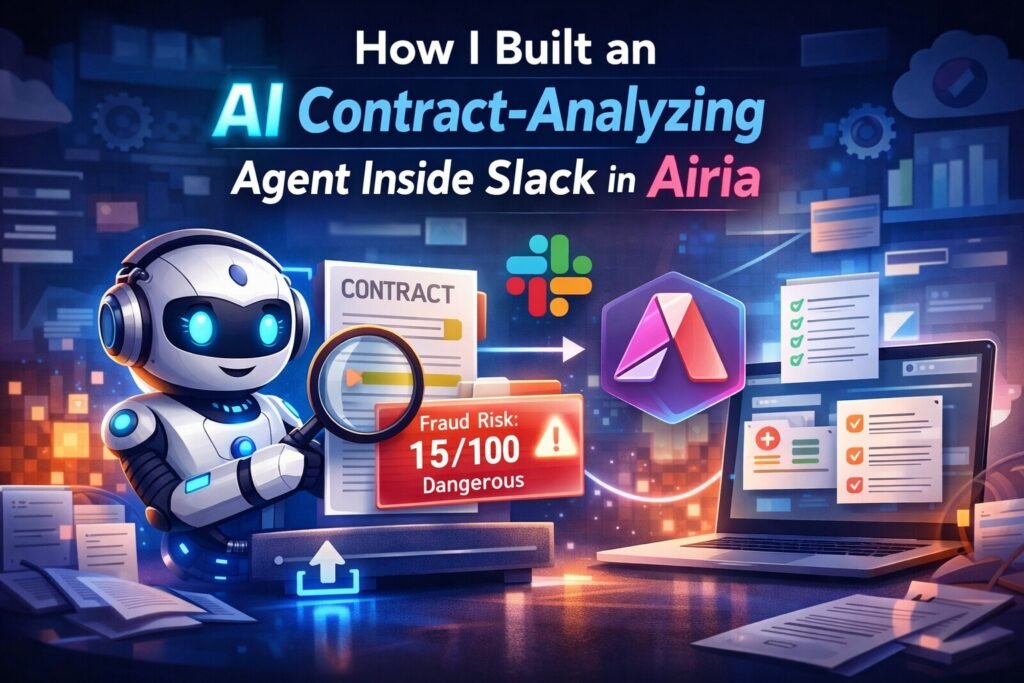
That’s exactly why I decided to build an AI-powered contract-analyzing agent inside Slack using Airia. The goal was simple:
Upload a contract (PDF) to Slack
Instantly analyze it with AI
Receive a risk score out of 100
Flag fraudulent or dangerous clauses automatically
If you want to build AI agents like this without heavy coding, Airia makes the entire process incredibly simple. From model setup to secure Slack deployment, everything is managed in one clean dashboard. 👉 Join Airia now and start building AI agents in minutes instead of weeks.
In this full walkthrough, I’ll show you exactly how I built it, step by step—no fluff, no theory. This is a real production-ready AI agent you can replicate for your own business or clients.
What This AI Contract Agent Does
Before diving into the build, here’s what the agent actually accomplishes:
- Accepts PDF contract uploads directly in Slack
- Analyzes legal language using a powerful LLM
- Flags fraudulent, risky, or unfair clauses
- Generates a risk score (0–100)
- Summarizes whether the contract is safe to sign
- Works inside Slack as a dedicated AI bot
This makes it ideal for:
- Businesses reviewing contracts daily
- Agencies adding AI solutions to their service stack
- Internal legal or compliance teams
- AI builders looking for real enterprise use cases
Why I Chose Airia for This Build
Airia is a no-code / low-code AI agent platform designed specifically for secure, enterprise-grade agents.
Here’s why it stood out:
- Clean, organized project structure
- Easy model and API key management
- Strong security and data guardrails
- Native integrations (like Slack)
- Ability to deploy agents quickly without custom backend code
If you’re building AI agents for real businesses—not just demos—Airia is built for that level of reliability. One of the biggest advantages of using Airia is how easily you can manage AI models and API keys across multiple projects. You add your key once and reuse it everywhere—no repeated setup, no confusion. Sign up for Airia today if you want a scalable and production-ready AI workflow.
Step 1: Create Your Airia Account
Start by visiting airia.com and creating a free account.
Once logged in, you’ll notice the interface feels familiar if you’ve used other no-code tools. Everything is clean, modular, and project-based—which makes scaling later much easier.
Step 2: Connect Your AI Model (Anthropic Claude)
Before building the agent, we need to connect a model.
How I did it:
- Navigate to Components → Models
- Select Anthropic
- Choose Claude 3 Sonnet (or equivalent)
- Click Add
- Create a new credential
- Paste your Anthropic API key
- Save the configuration
One of Airia’s biggest advantages is that API keys are stored once and reused across projects, making long-term maintenance far easier. If you’re new to building AI agents and want a faster starting point, check out our detailed guide on Build an AI Agent in Minutes with Airia. It walks you through the basics of creating, configuring, and deploying AI agents step by step—making it the perfect companion to this advanced Slack-based contract analysis workflow.
Step 3: Create a New Project and Agent
Now it’s time to build.
- Create a new project (I named mine something like “PDF Contract Analysis”)
- Click Add New Agent
- You’ll see three core blocks:
- Input
- Model
- Output
- Input
Airia also allows advanced features like:
- Knowledge bases
- Tools
- Flow control
- Human-in-the-loop
- Custom memory
For this use case, we keep it lean and focused.
Step 4: Configure Agent Inputs
Contracts are uploaded as PDFs, so we need:
- Text input
- File attachments enabled
Airia automatically detects what the selected model supports, so no manual configuration is required here.
Step 5: Model Settings (Accuracy Over Creativity)
Since this is legal analysis, we prioritize accuracy and consistency.
Recommended settings:
- Include user input ✔️
- Include attachments ✔️
- Include full chat history ✔️
- Temperature: slightly lowered (to reduce hallucinations)
- Reasoning effort: Balanced
This ensures the AI behaves more like a legal analyst than a creative writer.
Step 6: Write the Contract Analysis Prompt
This is the brain of the agent.
Inside the Prompt Editor, I added a custom system prompt that instructs the AI to:
- Analyze the uploaded contract in detail
- Identify risky or fraudulent clauses
- Flag unfair terms
- Provide a clear summary
- Output a risk score out of 100
- Clearly advise whether the contract is safe to sign
The prompt also controls formatting so the output is:
- Structured
- Easy to scan
- Actionable
Once saved, the agent is ready for testing.
Step 7: Test the Agent in Airia Playground
Airia includes a built-in Playground for testing before deployment.
I uploaded a test contract PDF and typed:
“Analyze”
Within seconds, the agent returned:
- A risk score
- A breakdown of dangerous sections
- A clear summary explaining why the contract was risky
In my test, the AI correctly identified intentionally planted fraudulent clauses—proving the setup worked exactly as intended.
Step 8: Prepare the Agent for Slack Deployment
Now comes the fun part—embedding the AI inside Slack.
- Name the agent (e.g., “Contract Agent”)
- Go to Interfaces
- Select Slack Bot
- Create a new Slack credential (token added later)
Airia makes multi-interface deployment extremely simple, which is a huge advantage over custom-coded bots.
Step 9: Create a Slack App
Next, we configure Slack.
Steps:
- Visit the Slack API dashboard
- Create a new app “From Scratch”
- Name it (e.g., Contract Agent)
- Select your workspace
Enable the following:
- Agents & AI Apps
- App Home messaging
- Required OAuth scopes (message access, file access, DMs)
Install the app to your workspace and copy the Bot User OAuth Token.
Step 10: Connect Slack to Airia
Back inside Airia:
- Paste the Slack bot token into the credential
- Save the deployment
- Copy the Webhook Events API URL
Back in Slack:
- Enable Event Subscriptions
- Paste the webhook URL
- Subscribe to message.im events
- Save changes
At this point, Slack and Airia are fully connected.
Step 11: Test the AI Agent Inside Slack
Open Slack and search for your new app.
Start a conversation and type a simple message like:
“Hey”
If configured correctly, the bot responds and introduces itself.
Now upload a contract PDF directly into the chat and type:
“Analyze please”
Within moments, the AI:
- Processes the file
- Analyzes every clause
- Returns the risk score
- Flags dangerous sections
- Clearly warns if the contract should not be signed
All of this happens inside Slack, using the native file uploader.
If Slack is where your team already works, Airia’s native Slack integration is a game-changer. You can turn powerful AI agents into Slack bots without building custom backends or writing complex code. Join Airia now and bring AI directly into your daily workflows.
Why This Use Case Is So Powerful
This isn’t just a demo—it’s a real business solution.
Benefits:
- Eliminates hours of manual contract review
- Reduces legal risk
- Improves decision-making speed
- Lives inside existing workflows (Slack)
- Scales easily across teams or clients
For agencies, this can be packaged as:
- A compliance service
- A legal-assist AI
- A premium internal automation
Custom AI Agents & Workflow Automation
At Axiabits, we help businesses and agencies design, build, and deploy custom AI agents that automate real-world workflows. From Slack-based AI assistants to contract analysis, document processing, and internal automations, we turn complex AI ideas into reliable, production-ready solutions.
Whether you want to replicate an AI contract-analyzing agent like the one shown in this guide or need a completely custom AI workflow, our team ensures everything is secure, scalable, and best suited to your business needs.
What We Can Help You With:
- Custom AI agents using platforms like Airia
- Slack, CRM, and internal tool AI integrations
- AI-powered document & contract analysis systems
- Secure, enterprise-ready AI workflows
- Ongoing optimization and support for AI solutions
If you’re looking to add AI to your business or offer AI solutions to your clients, Axiabits has you covered.
👉 Book now and let’s get started!
Final Thoughts
Building an AI contract-analyzing agent inside Slack with Airia is surprisingly fast—but incredibly powerful.
In under an hour, you can deploy:
- A secure
- Scalable
- Enterprise-ready AI agent
That solves a real business problem.
If you’re serious about building AI agents that companies actually pay for, this is exactly the type of workflow you should be creating.
Whether you’re an agency owner, AI builder, or business leader, Airia gives you everything you need to build secure, enterprise-ready AI agents. From contract analysis to internal automation, the possibilities are endless. 🔥 Sign up for Airia today and start building smarter AI solutions.
Frequently Asked Questions (FAQ)
What is an AI contract-analyzing agent?
An AI contract-analyzing agent is an automated system that reviews legal contracts, identifies risky or fraudulent clauses, and provides a clear summary with a risk score. Instead of manually reading long documents, the AI highlights problem areas instantly, saving time and reducing legal risk.
How does this AI agent analyze contracts inside Slack?
The agent is deployed as a Slack bot using Airia. Users upload a contract PDF directly into Slack, and the AI processes the document using a large language model. It then analyzes the clauses, flags potential risks, and returns a structured response—without leaving Slack.
Is Airia suitable for enterprise or sensitive legal documents?
Yes. Airia is built with enterprise-grade security, data guardrails, and access controls, making it suitable for handling sensitive documents like contracts and agreements. This makes it a strong choice for businesses that prioritize data privacy and compliance.
Can this AI agent detect fraudulent or unfair clauses?
Absolutely. The agent is trained through a detailed prompt to identify unfair terms, hidden risks, and potentially fraudulent clauses. It also assigns a risk score out of 100, helping users quickly decide whether a contract needs further legal review.
Do I need coding experience to build this AI agent?
No coding is required. Airia is a no-code / low-code platform, allowing you to build, test, and deploy AI agents using a visual interface. This makes it accessible for business owners, agencies, and non-technical users.