Managing large product catalogs in an eCommerce store can be time-consuming. Copying products, improving descriptions, and translating listings for international markets often takes hours or even days. Fortunately, AI automation tools make this process much easier. Boost your store workflow: bulk copy, enhance, and translate product listings seamlessly with Kopy AI.
One powerful solution is Kopy AI, which allows store owners to bulk copy, enhance, and translate products automatically using AI. Ready to simplify your product importing and translation process? Start using Kopy AI today and automate your product management in seconds. Join now at kopy.app and scale your store faster.
In this guide, you’ll learn how to bulk copy, enhance, and translate products with Kopy AI, step-by-step. Whether you run a dropshipping store or manage a large eCommerce catalog, this tool can save time, improve SEO, and expand your store globally.
What is Kopy AI?
Kopy AI is an AI-powered tool designed for eCommerce businesses to automate product importing and content optimization.
Instead of manually copying products and rewriting descriptions, Kopy AI allows you to:
- Import multiple products at once
- Automatically enhance product titles and descriptions
- Translate products into multiple languages
- Optimize listings using AI
This makes it ideal for dropshipping stores, Shopify sellers, and global eCommerce brands looking to scale faster.
If you want to simplify product importing and management even further, In the article Use Kopy App For Shopify in 2025 we explain how Shopify store owners can quickly copy products, optimize listings, and automate their workflow using AI-powered tools. It’s a great resource if you’re looking to scale your store faster with smarter automation.
Why Use Kopy AI for Product Management?
Running an online store requires constant updates to product listings. If you are importing dozens or hundreds of products, manual work becomes inefficient.
Here are the key benefits of using Kopy AI:
1. Bulk Product Import
You can import entire collections by simply pasting a product collection URL.
2. AI Product Enhancement
AI improves product titles, descriptions, and details to make them more engaging and SEO-friendly.
3. Multi-Language Translation
Translate product titles, descriptions, and variants into multiple languages instantly.
4. Time-Saving Automation
What normally takes hours can be done in just a few minutes.
5. Global Market Expansion
Translation allows your store to reach international customers easily. If you want to save hours of manual work while improving product listings. Sign up at kopy.app and start enhancing and translating products with AI.
Step-by-Step Guide: Bulk Copy, Enhance and Translate Products with Kopy AI
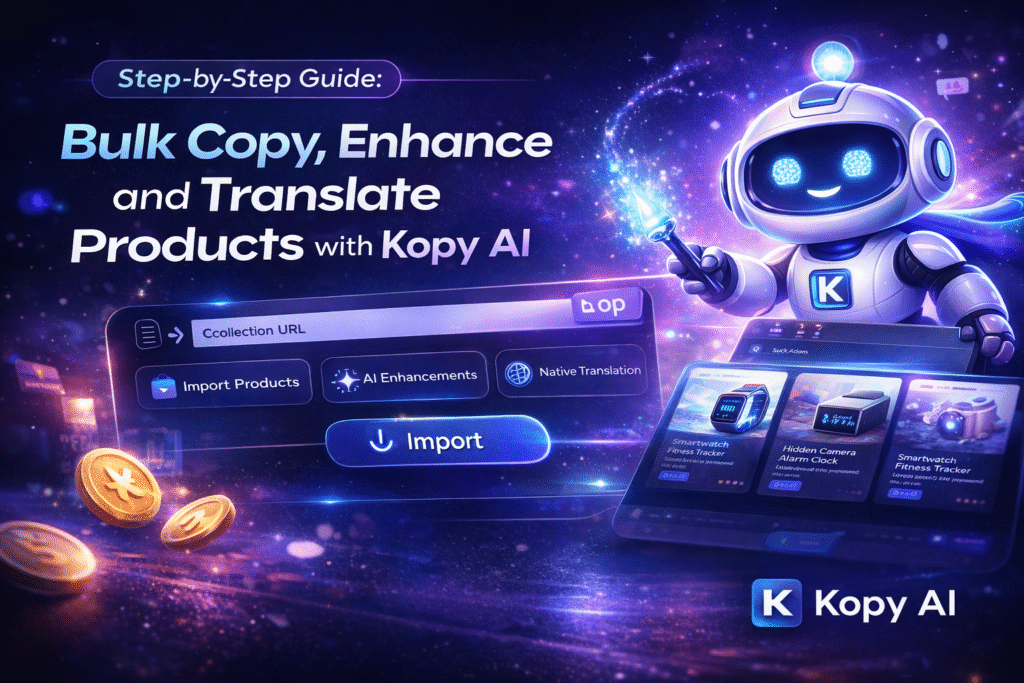
Let’s go through the complete process of using Kopy AI to import and optimize products.
Step 1: Copy the Product Collection URL
The first step is to copy the URL of the product collection you want to import.
For example, if you are importing products from another store or supplier:
- Go to the collection page
- Copy the collection URL
- Open the Kopy AI app
This URL will allow Kopy AI to fetch multiple products automatically.
Step 2: Paste the URL in Kopy AI
Next:
- Open Kopy AI
- Paste the copied collection URL
- Click Import
The tool will begin scanning the collection and preparing the products for import.
This process allows you to bulk copy multiple products instead of importing them one by one.
Step 3: Choose AI Features
Once the products are detected, you can configure the AI features you want to apply.
Kopy AI provides several AI options, including:
AI Product Enhancement
This feature improves:
- Product titles
- Product descriptions
- Product structure
- SEO keywords
It makes product pages more attractive and conversion-focused.
AI Product Translation
Another powerful feature is automatic translation.
You can translate:
- Product titles
- Product descriptions
- Product variants
This is extremely useful if you are targeting international customers.
Step 4: Select the Language
When using the translation feature, you need to select the target language.
Kopy AI provides a list of languages where you can:
- Scroll through the available languages
- Use the search box to quickly find your desired language
For example, you can translate products into:
- Spanish
- German
- French
- Italian
- Arabic
- Portuguese
This helps you launch multi-language stores quickly.
Step 5: Select Products to Import
After configuring the AI settings, the next step is to choose the products you want to import.
You can:
- Select individual products
- Select multiple products
- Import the entire collection
This flexibility allows you to control exactly what products you want in your store.
Step 6: Review the Credit Cost
Before importing, Kopy AI will show a quotation of the AI credit cost.
The quotation will display:
- Number of products selected
- AI features used
- Total credits required
This transparency helps you understand the cost of AI processing before starting the import.
Step 7: Double Check the Settings
Before proceeding, it is important to verify all the settings carefully.
Check the following:
- Selected products
- AI enhancement settings
- Translation language
- Estimated credit usage
Making sure everything is correct will prevent unnecessary credit usage.
Step 8: Click Import
Once everything is verified:
- Click Import
- The system will start importing the products
Depending on the number of products, the process may take a few seconds or a few minutes.
Large product collections may take slightly longer to process.
Step 9: Wait for the Import Process to Complete
While the system is importing the products:
- AI enhances product content
- Translations are generated
- Product details are prepared
This automation ensures that all imported products are optimized and ready for your store.
Step 10: Review the Imported Products
Once the import process is complete, you can review your products.
Check:
- Translated titles
- AI enhanced descriptions
- Product variants
- Original product comparison
This allows you to compare the translation with the original product content. Looking for a smarter way to manage product listings? Kopy AI helps you bulk copy, enhance, and translate products instantly. Get started for free at kopy.app and see how AI can transform your store.
How AI Enhancement Improves Product Listings
AI enhancement doesn’t just rewrite descriptions — it improves your product content for SEO and conversions.
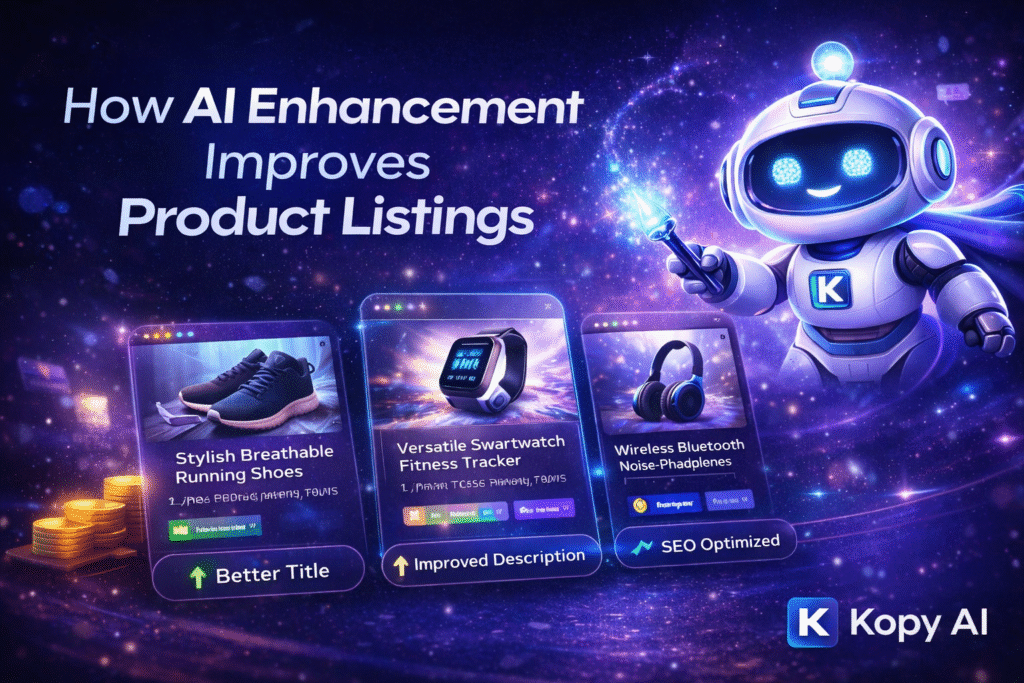
Here’s how:
Better Product Titles
AI generates clear and keyword-rich product titles that help improve search visibility.
Improved Descriptions
AI rewrites descriptions to make them:
- More engaging
- Easy to read
- Conversion-focused
SEO Optimization
AI naturally includes relevant keywords that help products rank better in search results. If you’re looking for an even easier way to expand your store catalog, check out our guide on Copy & Import Shopify Products From Other Stores. In this article, we explain how you can use tools like Kopy AI to quickly copy and import products from other Shopify stores, saving time while keeping your product listings organized and optimized.
How Translation Helps You Sell Globally
Global eCommerce is growing rapidly. Translating products into different languages can significantly increase your store’s reach.
Benefits of product translation include:
Access to International Customers
Customers prefer shopping in their native language.
Higher Conversion Rates
Localized product listings feel more trustworthy.
Better SEO in Local Markets
Search engines rank content better when it is written in the user’s language.
Thousands of eCommerce sellers are already using Kopy AI to automate product imports and translations. Try it today at kopy.app and make your workflow faster and easier.
Scale Your eCommerce Business with Expert Solutions
Managing and optimizing an online store requires the right strategy and tools. At Axiabits, we help businesses grow faster with advanced digital services designed for modern eCommerce brands.
eCommerce Store Development
We build high-performing online stores on platforms like Shopify, ensuring fast performance, user-friendly design, and better conversions.
Product Optimization & SEO
Our experts optimize product titles, descriptions, and store structure to improve search rankings and increase organic traffic.
AI & Automation Integration
We help businesses integrate powerful AI tools and automation solutions to simplify product management, content creation, and store operations.
Digital Marketing & Growth
From SEO strategies to paid marketing campaigns, we help brands reach the right audience and grow their online presence.
Ready to Grow Your Online Store?
Let Axiabits help you build, optimize, and scale your eCommerce business with powerful digital strategies.
Book a Consultation Today and Take Your Store to the Next Level.
Final Thoughts
Managing product listings manually can slow down your eCommerce growth. Tools like Kopy AI make it easy to bulk copy, enhance, and translate products using AI automation.
By simply pasting a collection URL, selecting AI features, and choosing your language, you can import optimized product listings in minutes.
The process is fast, simple, and extremely efficient — helping store owners focus more on marketing and sales instead of manual product management.
If you want to scale your eCommerce store and reach international customers, Kopy AI is definitely worth trying. Stop wasting time on manual product editing and translations. With Kopy AI, you can automate everything in just a few clicks. Start automating your store today by signing up at kopy.app.
Disclaimer
This article features affiliate links, which indicate that if you click on any of the links and make a purchase, we may receive a small commission. There’s no additional cost to you, and it helps support our blog so we can continue delivering valuable content. We endorse only products or services we believe will benefit our audience.
Frequently Asked Questions
What is Kopy AI used for?
Kopy AI is used to bulk import, enhance, and translate product listings for eCommerce stores using AI.
Can Kopy AI translate product variants?
Yes, it can translate titles, descriptions, and product variants into different languages.
Does Kopy AI support bulk product imports?
Yes, you can import multiple products at once using a collection URL.
Is AI product enhancement useful for SEO?
Yes, AI can improve product descriptions and titles to make them more SEO-friendly.
How long does the import process take?
It depends on the number of products, but most imports take a few seconds to a few minutes.